Why your brand colours change in print.
Your orange looks perfect on the website, then arrives on the booth looking tired. Here’s why screen and print colour behave differently, and how we build digital-first palettes that hold up at conferences.

Listen to this article
6 min · Read aloud by your browser
6:00
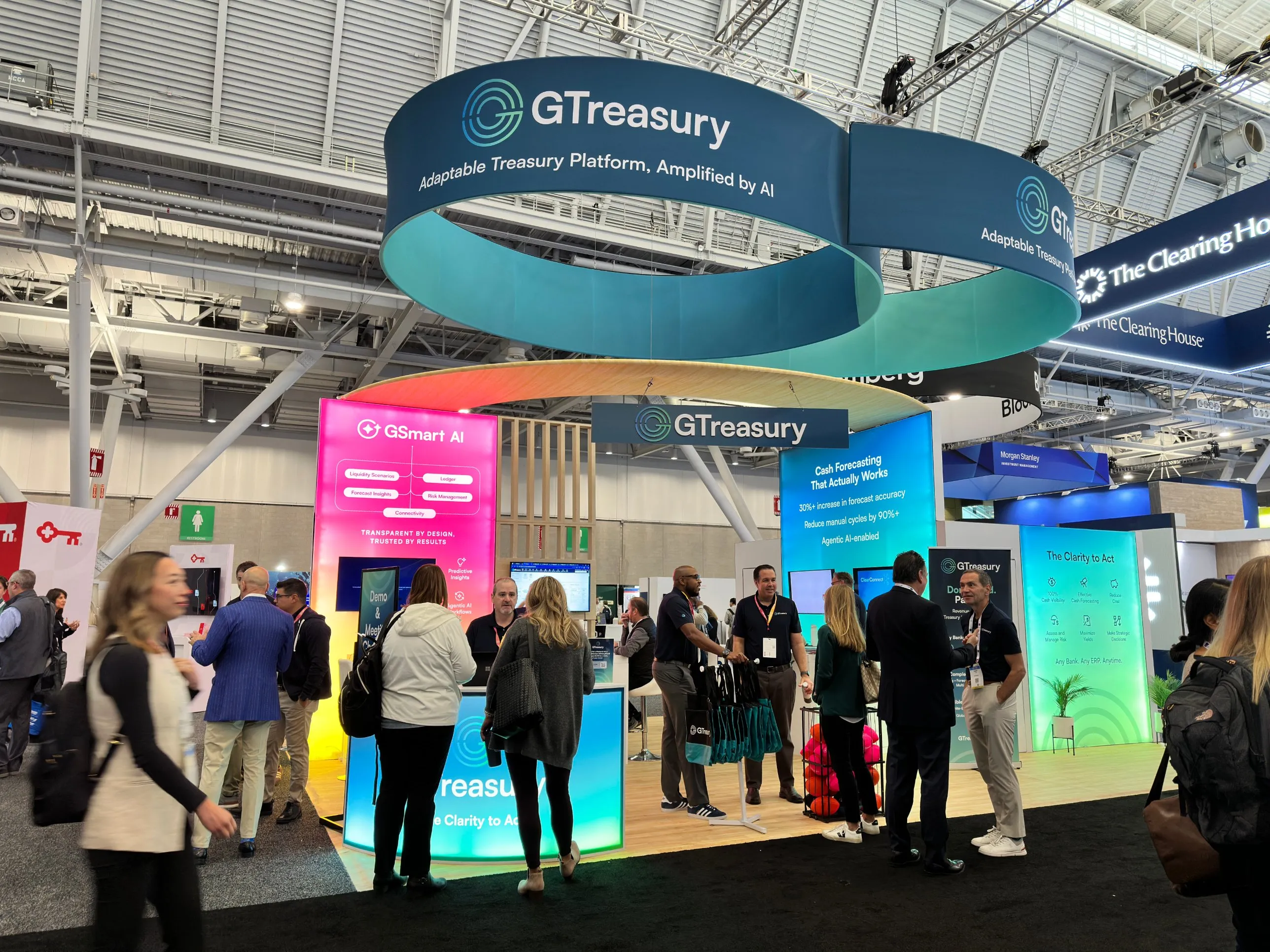
Most of the brands we work on live on screens first: the website, the product, LinkedIn, slide decks. Then conference season comes round and the same brand has to work on a six-metre booth wall, pull-up banners, printed brochures and a table full of merch. That’s usually when someone asks why the colours don’t match.
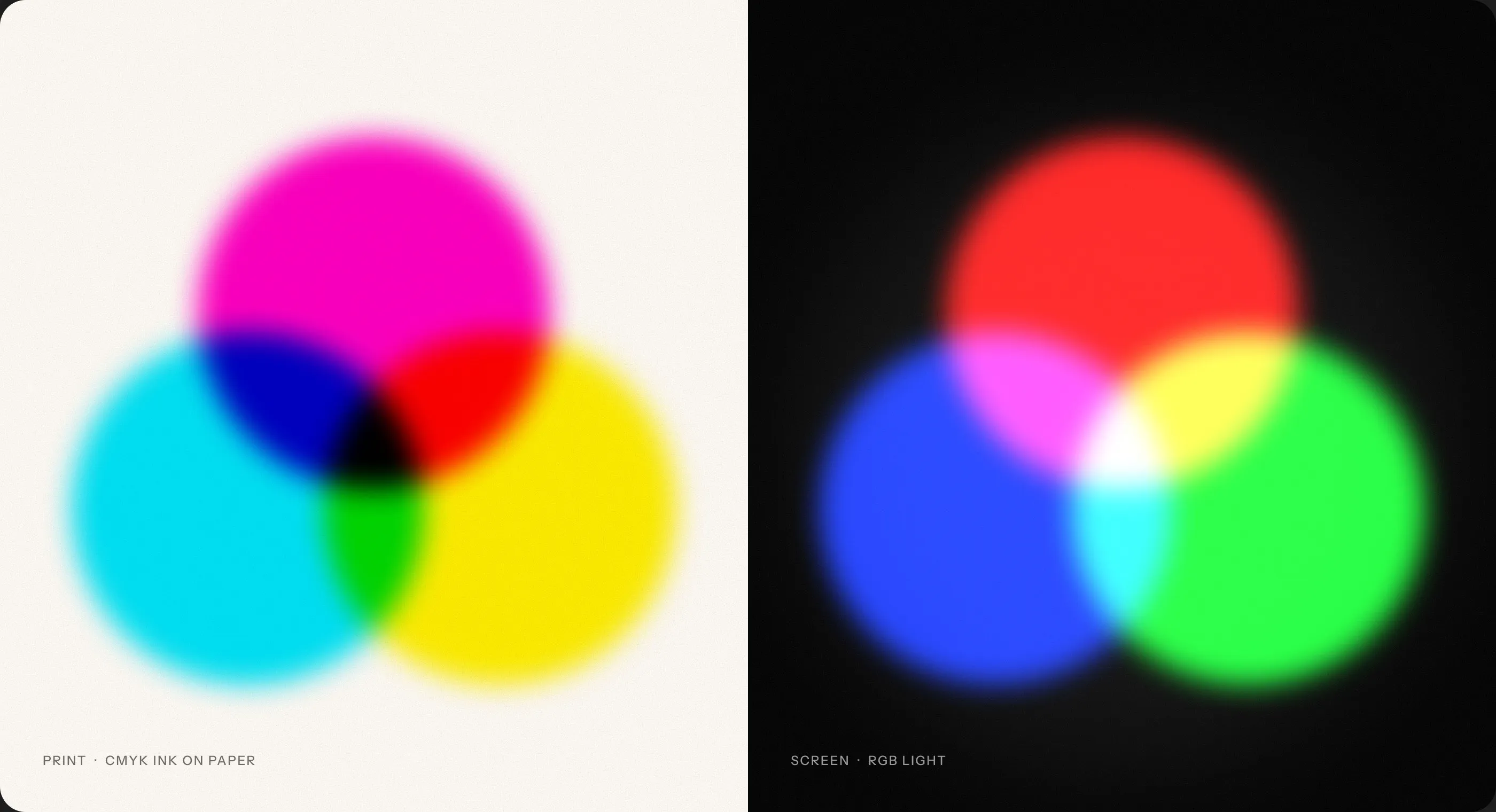
Screens make light, print absorbs it.
A screen mixes red, green and blue light (RGB), so it can produce bright, saturated colours that glow. Print builds colour by layering cyan, magenta, yellow and black ink (CMYK) on a surface that reflects light back. CMYK simply can’t reach many of the colours a screen can, especially vivid oranges, teals, greens and electric blues. Those colours are ‘out of gamut’, and when a file is converted automatically they get pulled back to the nearest printable shade, which is often flatter and duller.
The surface changes the colour too.
Coated paper keeps ink sitting on the surface, so colours stay crisp. Uncoated stock soaks ink in and everything looks darker and softer. Booth graphics are often printed on fabric using dye sublimation, which behaves differently again, and exhibition hall lighting can shift things further. The same CMYK values can look noticeably different across a brochure, a banner and a booth wall.
Define the palette for every medium, from day one.
When we build a digital-first brand, we don’t stop at hex codes. Each brand colour gets a full spec: HEX and RGB for screen, CMYK values for coated and uncoated stock, and a Pantone reference for anything where accuracy really matters, like the logo on a booth or branded merchandise. Where a screen colour is out of gamut, we choose print values that match it by eye rather than relying on an automatic conversion.
- Screen HEX
- #F1501B
- Screen RGB
- 241 80 27
- Print CMYK coated
- 0 80 100 0
- Print CMYK uncoated
- 0 70 90 0
- Spot Pantone
- 172 C
Choose a lead colour that can travel.
If you know the brand will spend a lot of time at events, test the lead colour in print before you fall in love with it on screen. Some very bright digital colours can only be matched with a Pantone spot ink, which is fine for a logo but harder for full-colour brochures. Sometimes a small shift in the screen colour makes the whole system far easier to reproduce everywhere.
“Match what people see, not the numbers.”
Proof everything, and brief your printers properly.
Ask booth and print suppliers for physical proofs or fabric strike-offs, and check them in decent light against a Pantone swatch. Add a print page to your brand guidelines that lists CMYK and Pantone values for each stock, the colour profile to use (for example FOGRA39 in Europe or GRACoL in the US) and how to supply artwork, ideally as PDF/X-4. It saves a lot of surprises the week before a show.
Done well, nobody notices any of this. The brand simply looks like itself, whether it’s on a phone, a printed brochure or a booth wall across a busy exhibition hall.